


Managing your account settings
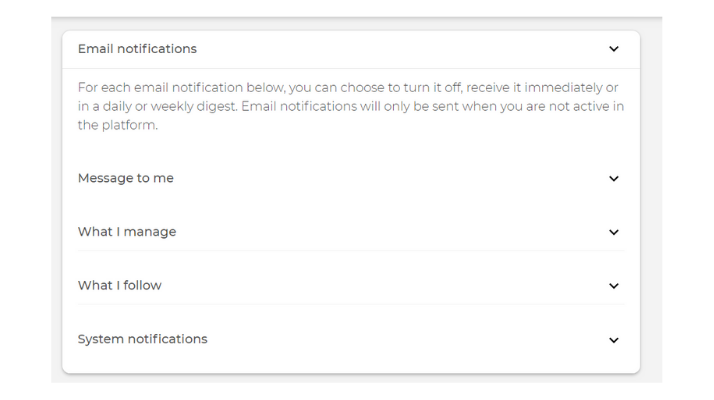
Your account settings page allows you to select your preferred time zone, manage your email notifications and privacy settings, change your password, enable push notifications and subscribe to our monthly newsletter.
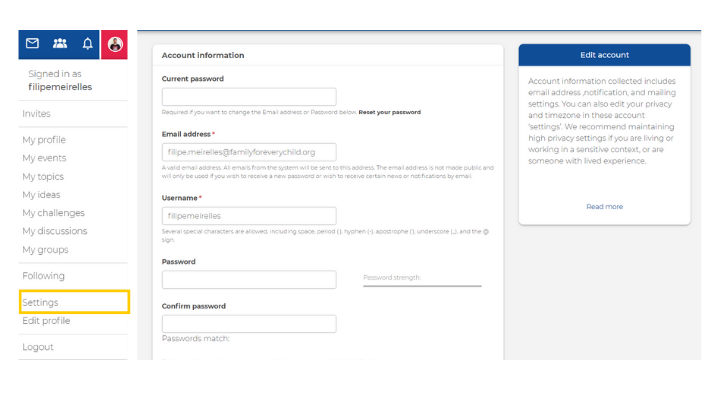
To access your account settings, click on your profile picture at the top right-hand corner of the screen and select “Settings”. Further down on the same page, you can find sections to manage your email notifications and set your time zone.
Editing your profile page
Your profile page displays important information about you, such as your profile picture, information about your work and organisation, your interests and contact information.
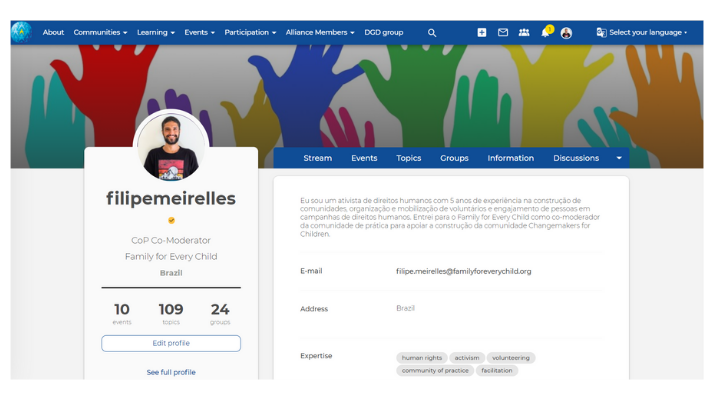
To edit your profile, click on your profile picture at the top right-hand side of your screen and select "Edit profile". You can also use the same menu to access your profile. To edit your profile from your profile page, click on "edit profile".